

WhatsApp has consolidated a communication standard that directly affects conversion, support, and retention. Opinion Box research cited by Canaltech indicates that 97% of users access WhatsApp at least once a day, which increases the likelihood of a response when the journey ends in conversation.
In the commercial context, WhatsApp also appears as a dominant tool. A survey “Sales Overview”, cited by Canaltech, points out that 86% of participating companies use WhatsApp as a sales tool.
When the consumer wants to speak with companies, messages also appear as a preference. A study conducted by Meta in partnership with BCG, concluded in June 2024, reports that 80% of Brazilian consumers prefer to use messages to interact with companies.
Within this scenario, Click to WhatsApp reduces friction because it transforms intent (click) into action (conversation), with campaign tracking and metrics-oriented operation.
What is Click to WhatsApp
Click to WhatsApp (or Click-to-WhatsApp Ads) is an ad format on the Meta platforms (Facebook and Instagram) that takes the person directly to a conversation on WhatsApp by touching the ad's CTA.
Meta describes this type of ad as a way to allow leads and customers to start a conversation on WhatsApp directly from the ad, configured in the Ads Manager.
Practical implication: the campaign ceases to optimize by click only and starts to optimize by Conversation started, which is a sign closer to a lead.
Where Click to WhatsApp is most used
Scenarios in which the format usually performs better because it requires human interaction or rapid qualification:
- Scheduled services: clinic, aesthetics, education, technical assistance, consulting.
- Consultative sales: medium/high ticket, customization, negotiation, proposal submission.
- Retail with catalog and recurring questions: price, deadline, variations, stock, exchange.
- Stroller recovery and after-sales when there is a basis with consent and the use of templates according to the policy and service window.
Decision criteria: use Click to WhatsApp when the next natural step after the creative one is a customer question or a screening (e.g., “what is your zip code?” , “which model are you looking for?” , “what is the desired date?”).
How to create a Click to WhatsApp ad in Meta Ads
The exact configuration may vary depending on the purpose, account and structure of the Business Manager, so the safest operational reference is to follow the flow of the Meta Ads Manager itself for “ads that click to WhatsApp”.
1) Technical Prerequisites
- To have a WhatsApp number associated with your business (WhatsApp Business App or API, depending on your operation).
- Have the selectable number in Ads Manager (in many configurations it needs to be connected to the business ecosystem in Meta).
2) Recommended campaign structure
- Objective aimed at messaging (when the primary KPI is conversation started).
- Creative with objective promise and a single action expected in the conversation (e.g., “Request a quote”, “Check eligibility”, “Schedule”).
3) Pre-filled message (when it makes sense)
Use initial message to accelerate screening and standardize care. Examples:
- “Hello! I want to quote the plan X. My zip code is: ____”
- “I want to schedule for (date/time). My name is: ____”
- “I am interested in (product). What is the deadline for (city)?”
Practical implication: structured messages reduce qualification time and facilitate routing to a team, queue, or bot.
Best practices that directly affect conversion
Response time and SLA
On WhatsApp, a delay often turns into abandonment because the user changes tasks quickly. Define SLA by operating rule (e.g., human response within 5 minutes during business hours) and use automation for first screening when volume requires.
Intent routing
Route by tags or initial questions:
- “Buy”
- “Support”
- “Scheduling”
- “Financial”
Practical implication: routing reduces internal transfer and decreases the cost of answering per conversation.
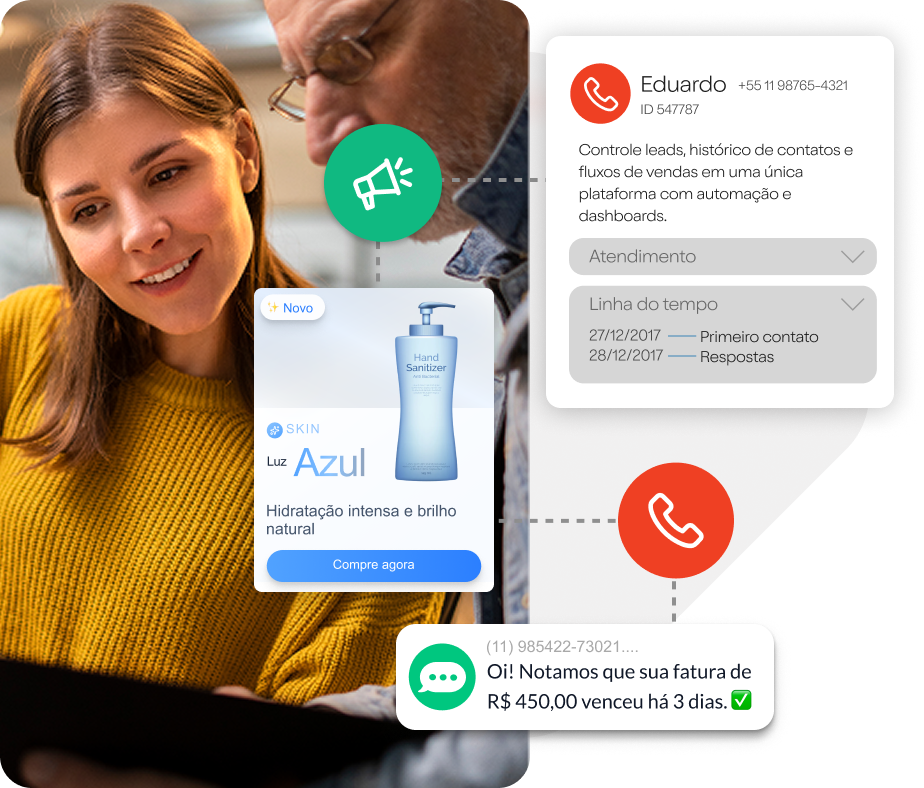
Integration with CRM and history
The value of the channel increases when each conversation becomes a funnel: the origin of the campaign, intention, stage, result, and reason for the loss.
A useful note for prioritization: in operations that use WhatsApp intensively, the lack of structured recording of conversations often limits scale and predictability.
Window rules and templates
In the operation with API, there is the logic of 24-hour service window, widely treated by providers and platforms: after the customer's last message, the company has a window to reply with free messages; outside that window, they usually enter approved templates for business-initiated messages.
Practical implication: when your funnel depends on re-engagement (e.g., submitted budget and no return), you need to plan the use of templates and consent so as not to slow down the cadence.
Consent and user experience
The operation of WhatsApp for business is governed by applicable WhatsApp Business terms and policies.
In market practice, messaging providers and platforms reinforce the requirement of collect consent (opt-in) before shooting and re-engagements, including opt-in methods that can start with Click to WhatsApp itself.
Practical implication: treat opt-in as a funnel asset. Record when, where, and for what purpose consent was obtained, and keep the opt-out simple.
Metrics that matter in Click to WhatsApp
Operational and media metrics that help weekly decision:
- Cost per conversation started (lead proxy).
- Conversation rate → qualified lead (qualification by rule: valid ZIP code, confirmed intent, minimum profile).
- Average first response time (impacts abandonment).
- Resolution/Close Rate per conversation (per line, per attendant, per campaign).
- Reasons for loss (price, deadline, lack of stock, out of profile).
Practical implication: without separating “initiated conversation” from “qualified conversation”, managers tend to scale volume that overwhelms service and reduces conversion.
Checklist before applying verba
- WhatsApp has Queue, Responsibles, and SLA defined.
- It exists Initial message of screening or short form via conversation.
- Does the team know what it is qualified lead and how to register.
- theres integration (even if simple) to capture the origin of the campaign.
- Is there a policy of consent and opt out operationalized.
How to integrate media, screening, and conversion into a single funnel
Click to WhatsApp it works best when media and operation are treated as a single funnel: advertising generates conversation, conversation becomes data, data feeds back segmentation and creatives.
If you want to assess whether Click to WhatsApp makes sense for your scenario (volume, team, integration, and conversion goal), the most objective step is to map the current funnel, define qualification criteria, and design the screening script on WhatsApp.
Do you want to see what this looks like in your operation? Talk to a Plusoft expert right now.